NoteShift
Notion → Obsidian migration with predictable filenames, link rewriting, and checkpoint/resume.
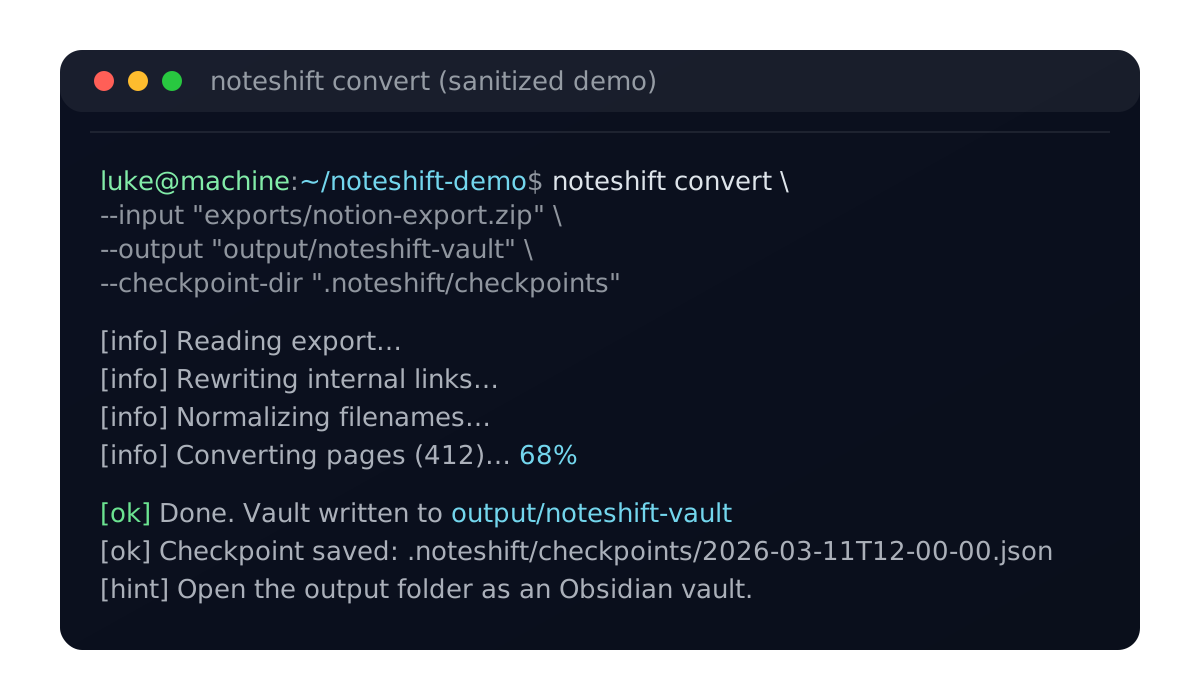
NoteShift converts Notion exports to clean, structured Markdown for Obsidian with predictable file organization and working internal links.
Run NoteShift to export your Notion workspace and convert it to clean Markdown, ready for Obsidian with no manual cleanup required.
All conversion happens locally. Your export stays on your machine.
What it does
Predictable filenames — Consistent, readable file structure based on page titles
Link rewriting — Internal Notion links converted to working Obsidian wikilinks
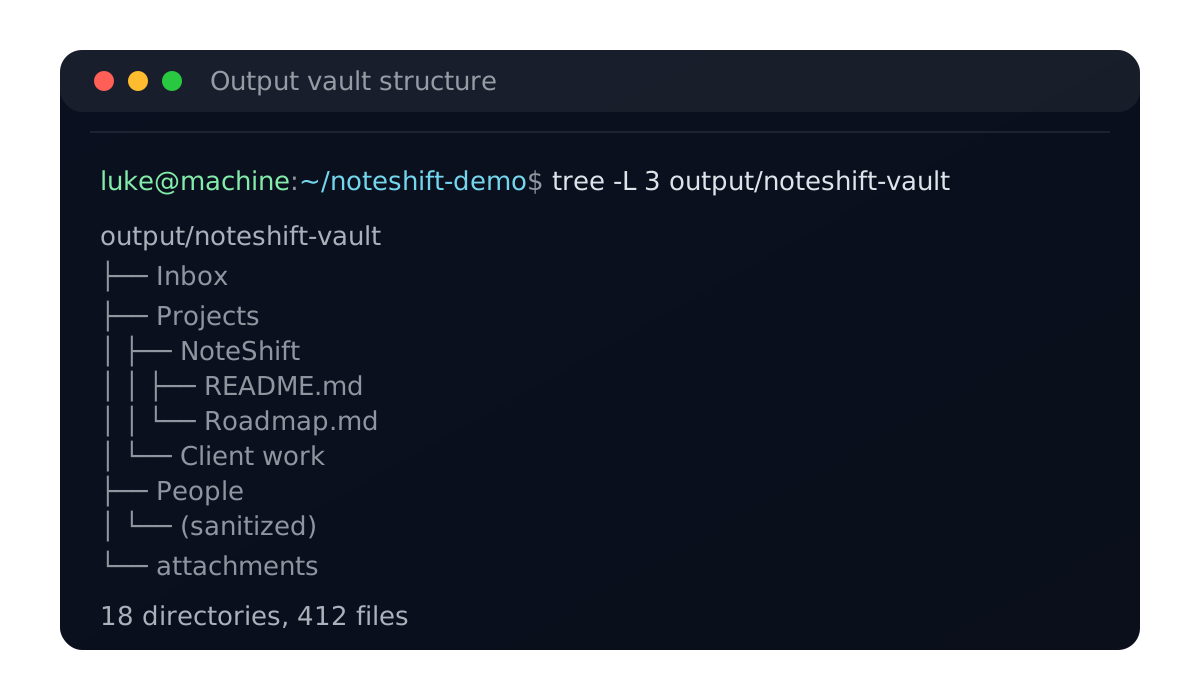
Clean organization — Hierarchical folder structure matching your Notion workspace
Checkpoint/resume — Pause and continue large migrations without starting over
Markdown cleanup — Removes Notion-specific artifacts and formatting quirks
How it works
Configure your Notion token — Set up NoteShift with your Notion integration token to access your workspace.
Run NoteShift — NoteShift exports your pages, rewrites links, and organizes files into a clean folder structure.
Open in Obsidian — Open the output folder as an Obsidian vault. Your pages, links, and attachments are ready to use.
Install
Install NoteShift with pip or uv, then run a quick sanity check.
pip install noteshiftuv tool install noteshift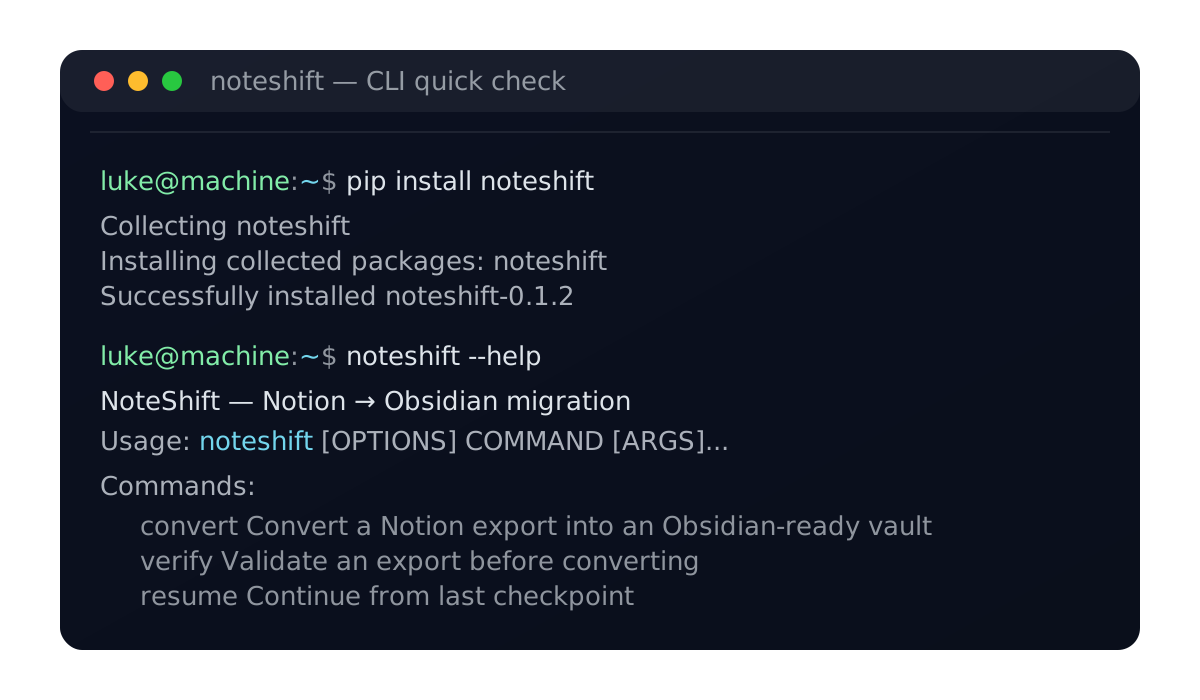
Common questions
Is my Notion token safe?
NoteShift runs entirely locally on your machine. It processes your exported .zip file — no API access or token required. Your data never leaves your computer.
What gets exported?
NoteShift converts pages, databases (as tables), internal links, and file attachments. Notion-specific features like synced blocks, formulas, and relations are not preserved.
What are the limitations?
NoteShift works with Notion's Markdown export format. Some features (like database views, formulas, and embedded content) don't translate directly to Markdown and will be simplified or omitted.
Can I resume if something breaks?
Yes. NoteShift creates checkpoints during processing. If interrupted, you can resume from the last successful checkpoint rather than starting over.
What you get
An Obsidian-ready vault with predictable folders, filenames, and links you can trust.
Tip: run large exports with checkpoints on, then resume if needed.